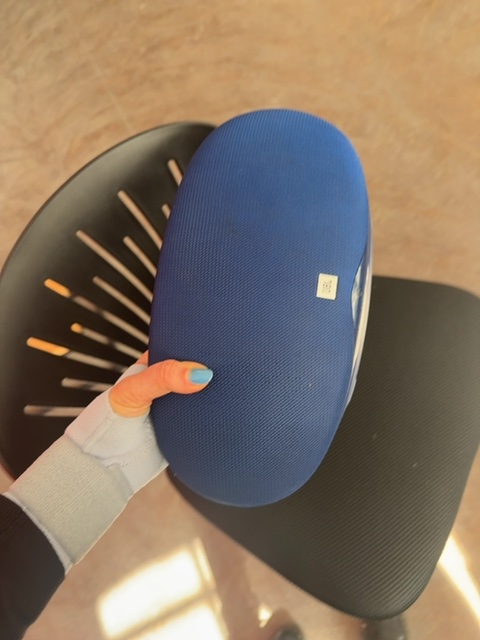
Text Manual
Bose SoundLink Revolve
Follow these steps to get started with your device.
Overview
The Bose SoundLink Revolve is a portable Bluetooth speaker designed to deliver deep, immersive sound in all directions.
Setup Steps
- Charge the Device
- Connect the speaker to a power outlet using the included USB cable.
- Allow it to charge fully before first use.
- Connect the speaker to a power outlet using the included USB cable.
- Power On
- Press the power button located on the top of the speaker.
- Wait for the audible tone indicating the speaker is on.
- Press the power button located on the top of the speaker.
- Connect to Bluetooth
- On your device, go to Bluetooth settings.
- Select 'Bose SoundLink Revolve' from the list of available devices.
- On your device, go to Bluetooth settings.
- Start Playing Music
- Open your preferred music app and play a song.
Key Features
- 360-Degree Sound: Provides even sound distribution in all directions.
- Water Resistant: Can withstand splashes of water, making it ideal for outdoor use.
- Voice Prompts: Gives you verbal instructions for connection and battery level.
- Multi-Connect: Can connect up to two devices simultaneously for easy switching between devices.
Common Operations
- Adjust Volume:
- Press the '+' or '-' buttons on the top to increase or decrease volume.
- Pause/Play Music:
- Press the multi-function button in the center to pause or resume playback.
Troubleshooting Tips
- Bluetooth Connection Issues:
- Ensure the speaker is powered on and within range of your device.
- Try disconnecting from your device and reconnecting.
- Ensure the speaker is powered on and within range of your device.
- No Sound:
- Check the volume level on both the speaker and your device.
- Ensure the music app is functioning properly.
- Check the volume level on both the speaker and your device.
- Speaker Not Charging:
- Check the USB cable and power source.
- Try a different outlet or USB port.
- Check the USB cable and power source.
Sign in to bookmark this device
You'll be redirected to sign in; the manual will be saved after.